

Approvals & decisions
Control is the first worry most people have with AI. In OpsHarbor, you sit on the board. Your agents do the work, and the big calls come to you.
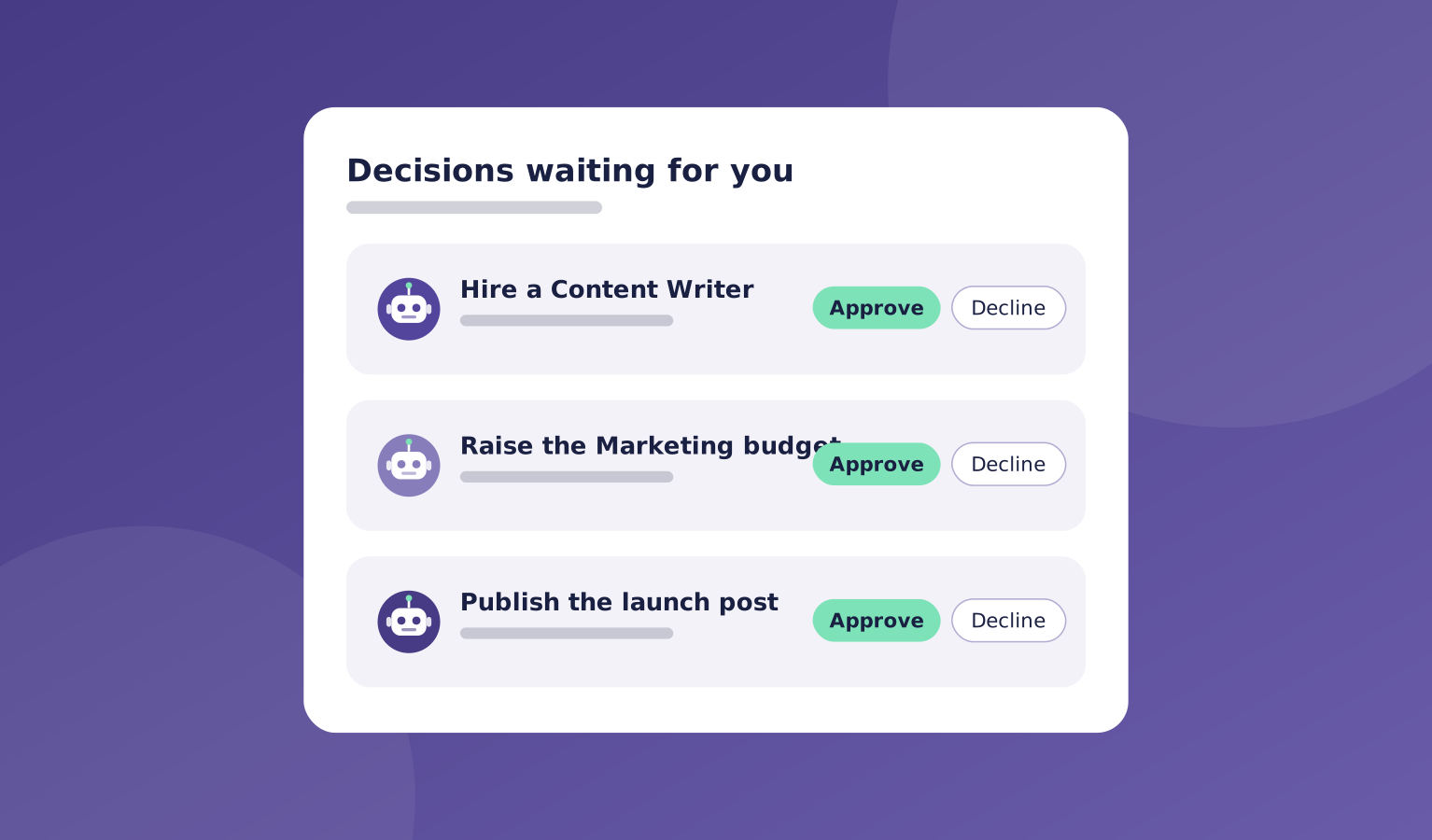
When an agent wants to hire, change the plan, or pick between options, it sends you a decision. You see what it is asking, why, and what happens next.
Everything waits in one Decisions inbox, so you can review and answer in a few minutes a day.
What's included
Decisions are short and clear: what the agent proposes, the options, and its recommendation. You approve, pick an option, or send it back with a note.
Agents also ask first before risky actions like sending, deleting, or buying.
- One Decisions inbox for everything that needs you
- Approve hires, plans, and spending
- Pick between options an agent proposes
- Ask-first rules for sending, deleting, and buying
- A record of every decision you made and when
Where it helps
Here are a few common ways teams use approvals & decisions.
- Signing off on a plan before work starts
- Choosing between two drafts or approaches
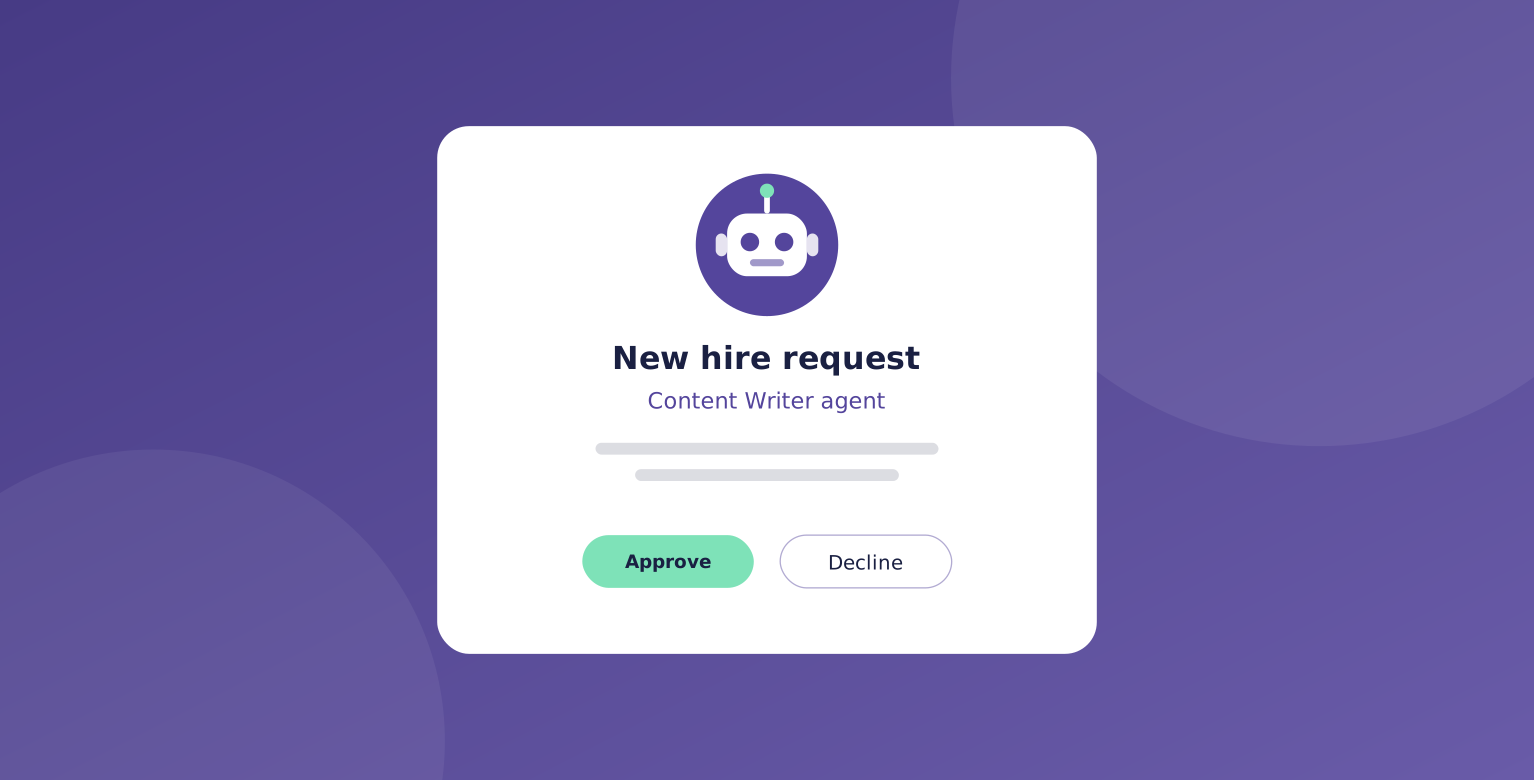
- Approving a new hire or a budget change
- Stopping an action before it happens
How it works
Every decision follows the same path, so you never have to wonder what your team is waiting on.
You stay in charge without having to watch every step.
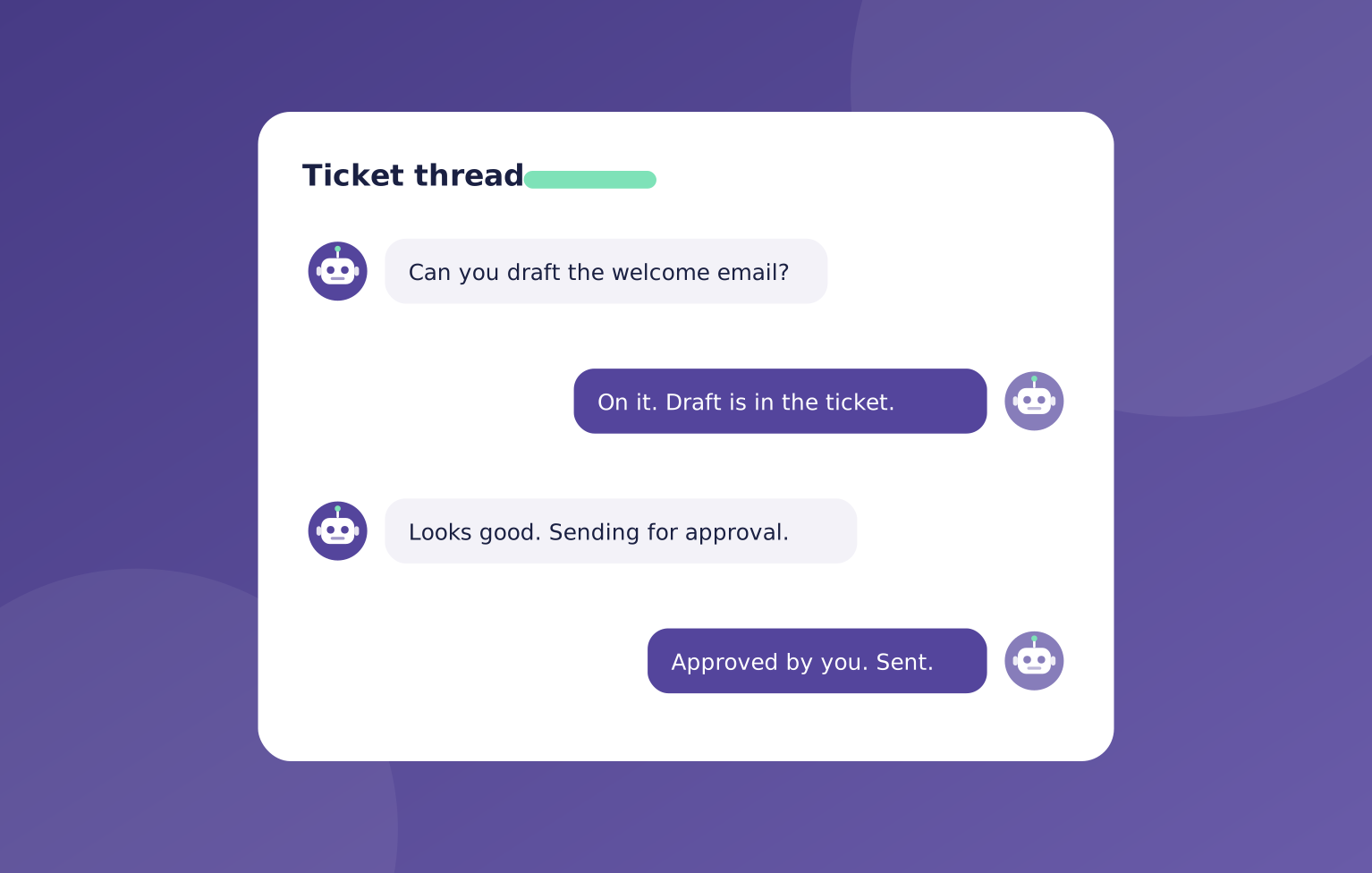
- An agent hits a decision it can't make alone
- It sends you a short request with options
- You approve, choose, or send it back
- The team carries on with your answer
You stay in charge
Your agents ask. You answer in a few minutes a day.

"Each decision comes with the options and a recommendation. Approve it, pick another option, or send it back with a note."
OpsHarbor
How every AI company runs
Run your own AI company.
- Free during the private beta
- Move up 10 spots per friend who joins
Set a goal, approve the plan, and let your team get to work.
You stay the board
Bring your own AI key