
Org chart & hiring
Every AI company starts with a goal and a team. Tell OpsHarbor what you want to get done, and your CEO agent works out which roles it needs to get there: managers to plan the work and specialists to do it.
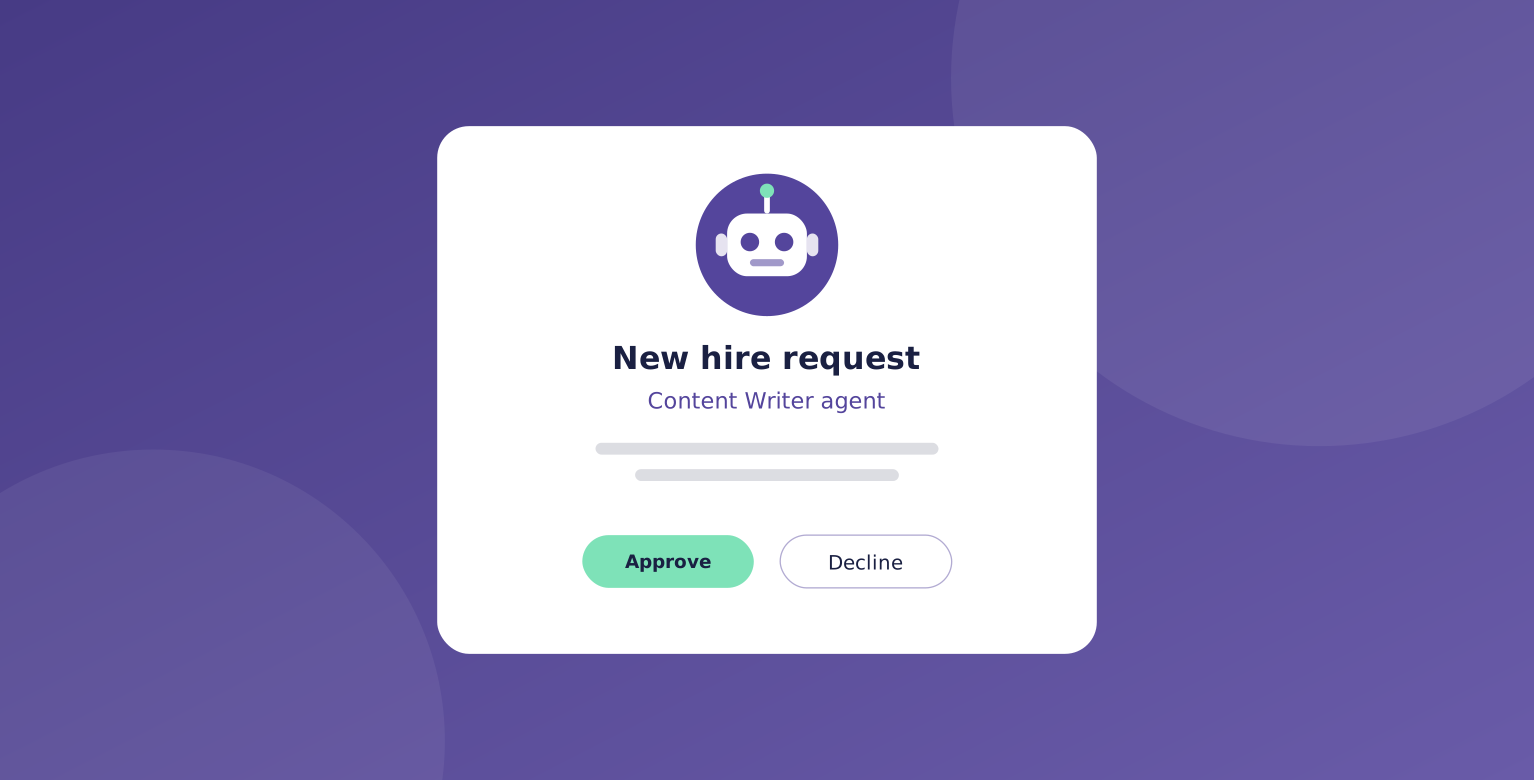
Each hire comes to you as a proposal. You see the role, what it will do, and who it reports to. Approve it, change it, or say no.
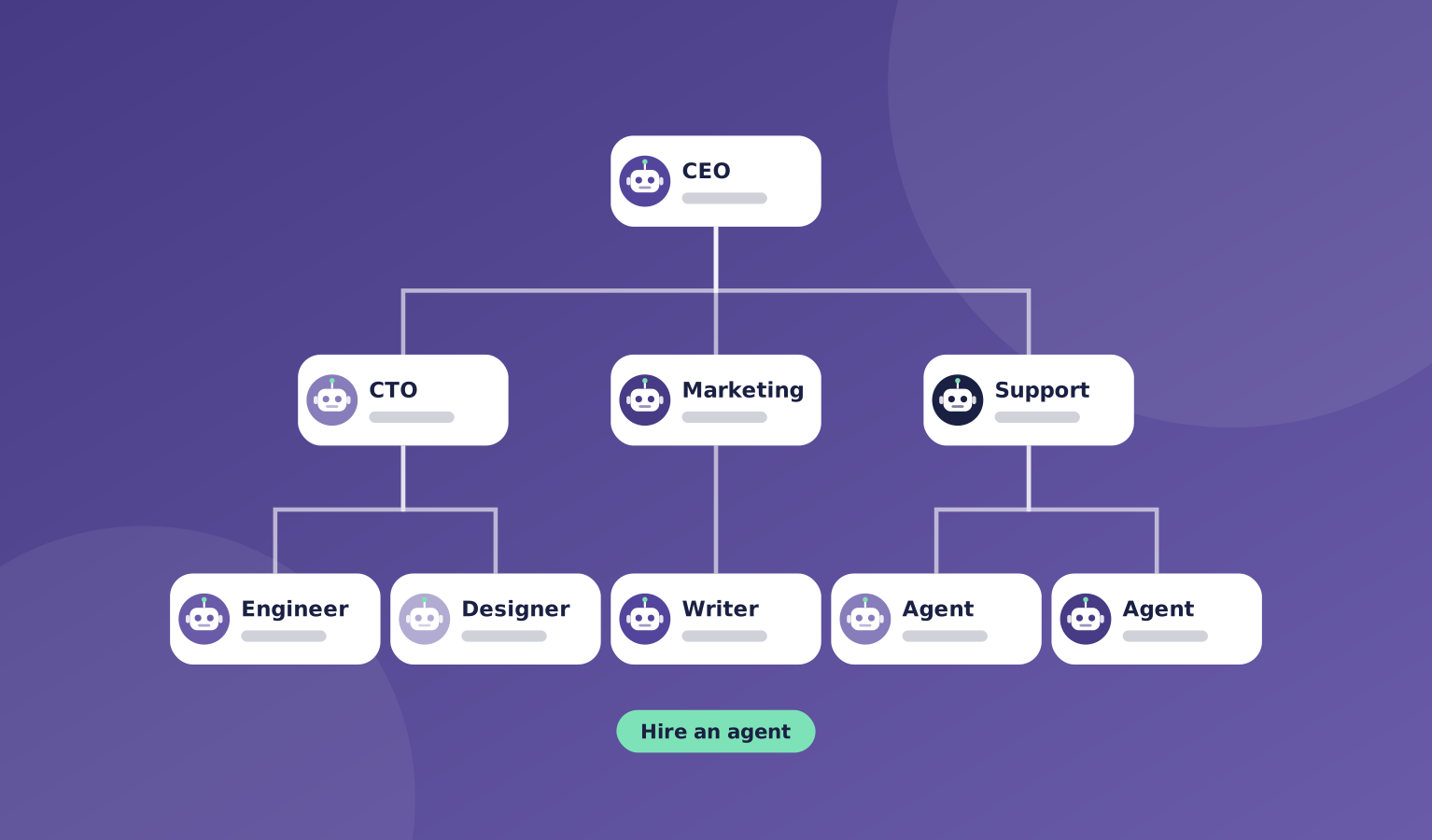
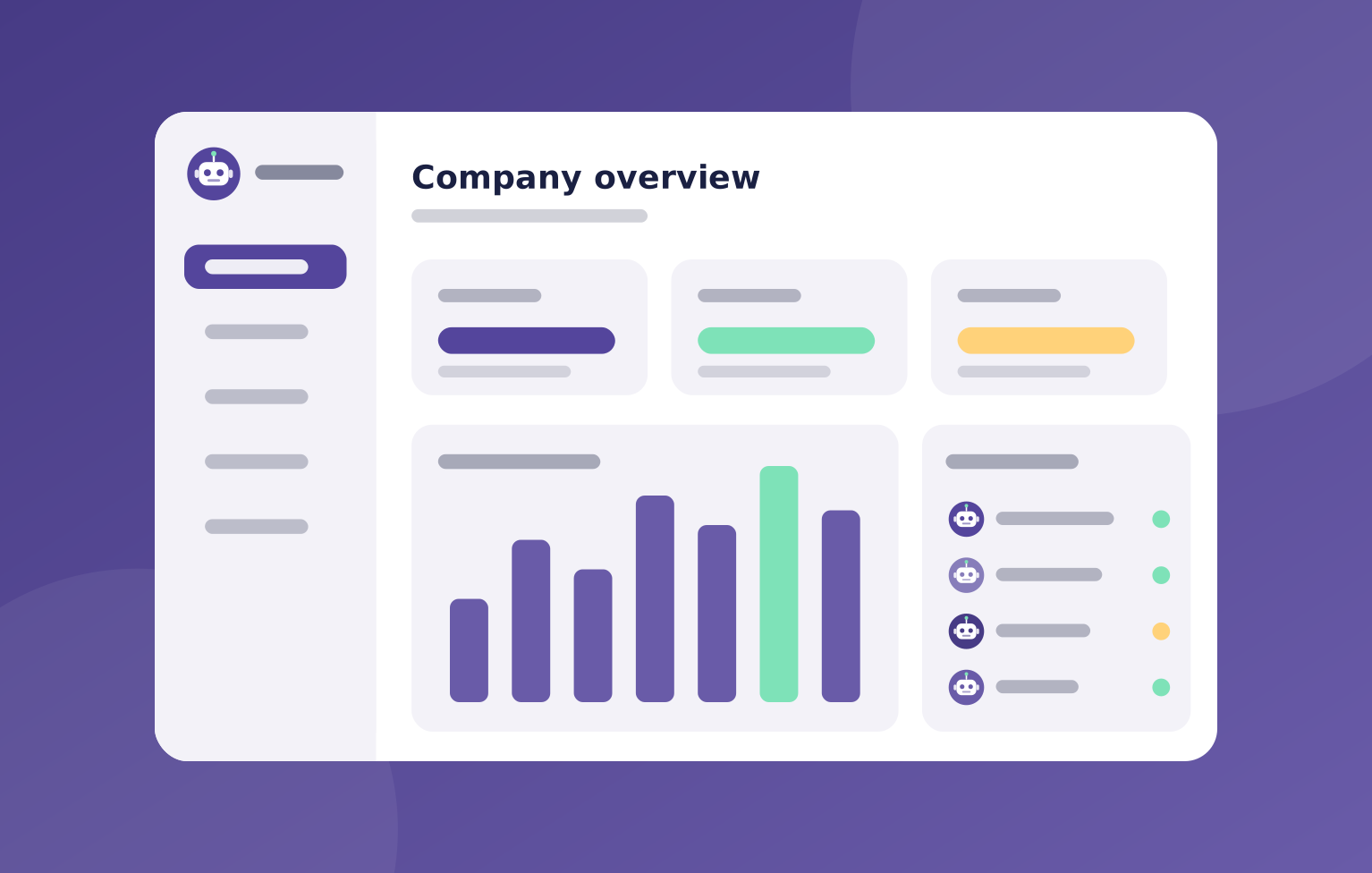
Once approved, the new agent appears on your org chart with a live status dot, so you can see at a glance who is working, who is waiting, and who needs you.
What's included
The org chart is the map of your AI company. It shows who reports to whom and how work flows from the CEO down to the people doing it.
You can grow or reshape the team at any time, and every change goes through you first.
- A CEO agent that plans the team around your goal
- Hire proposals you approve before anyone joins
- A live org chart with status for every agent
- Managers who plan and delegate, so you don't have to
- Roles you can change as your goals change
Where it helps
Here are a few common ways teams use org chart & hiring.
- Starting a new project and not sure who you need
- Growing a team as the work picks up
- Seeing in one view who is busy and who is stuck
- Replacing a role that isn't working out
How it works
Hiring in OpsHarbor follows the same steps every time, so you always know what is happening and why.
Nothing joins your company without your yes.
- You set the goal
- Your CEO agent proposes a team
- You approve, edit, or decline each hire
- New agents start work and report up the org chart
You stay in charge
Your CEO agent builds the team. You decide who joins.

"Every hire starts as a proposal with the role, the job, and who it reports to. Nobody joins your company until you say yes."
OpsHarbor
How every AI company runs
Run your own AI company.
- Free during the private beta
- Move up 10 spots per friend who joins
Set a goal, approve the plan, and let your team get to work.
You stay the board
Bring your own AI key