

Spending controls
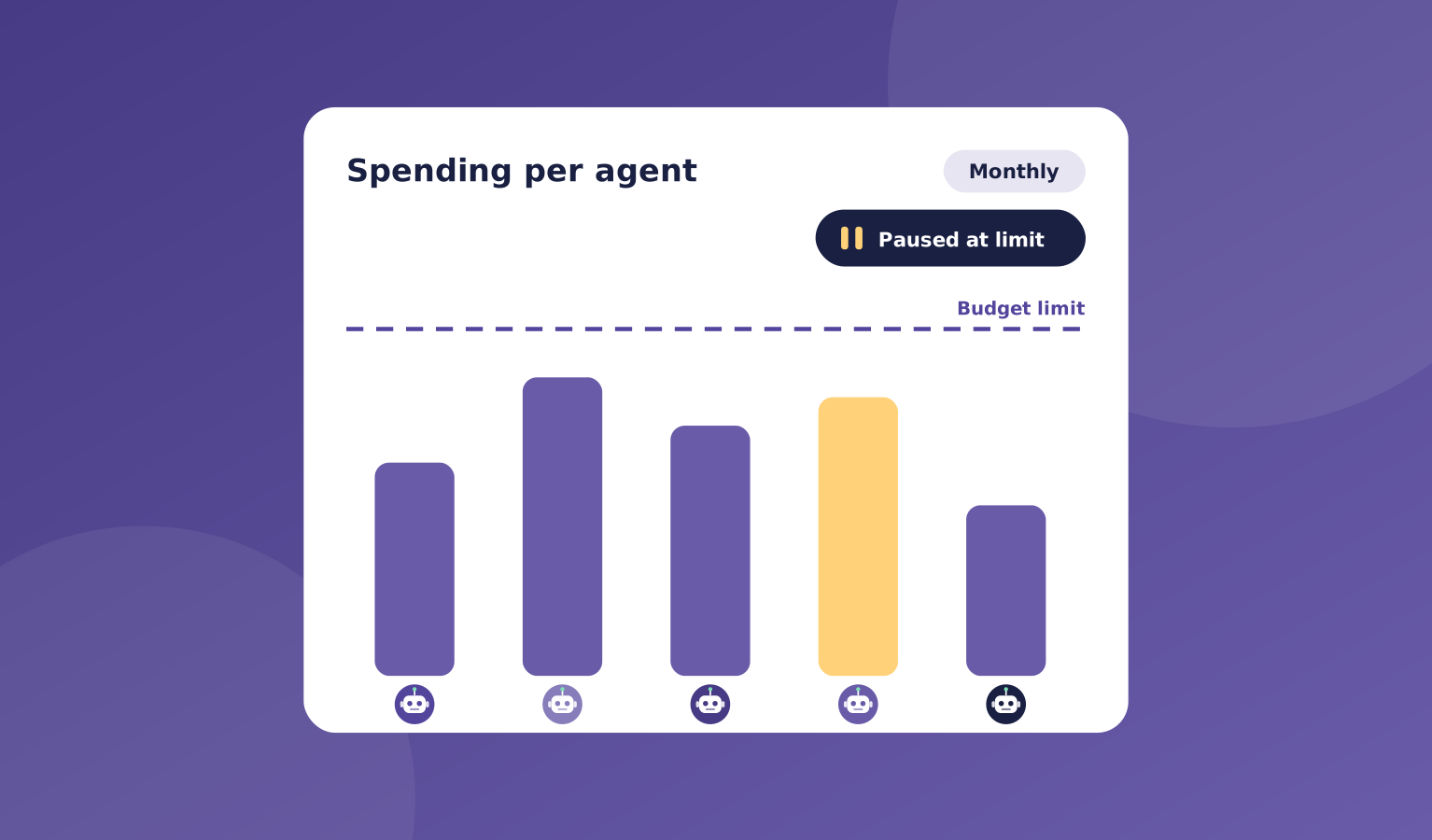
A runaway AI bill is a real fear. OpsHarbor lets you set spending caps for the whole company, for each agent, and for each project.
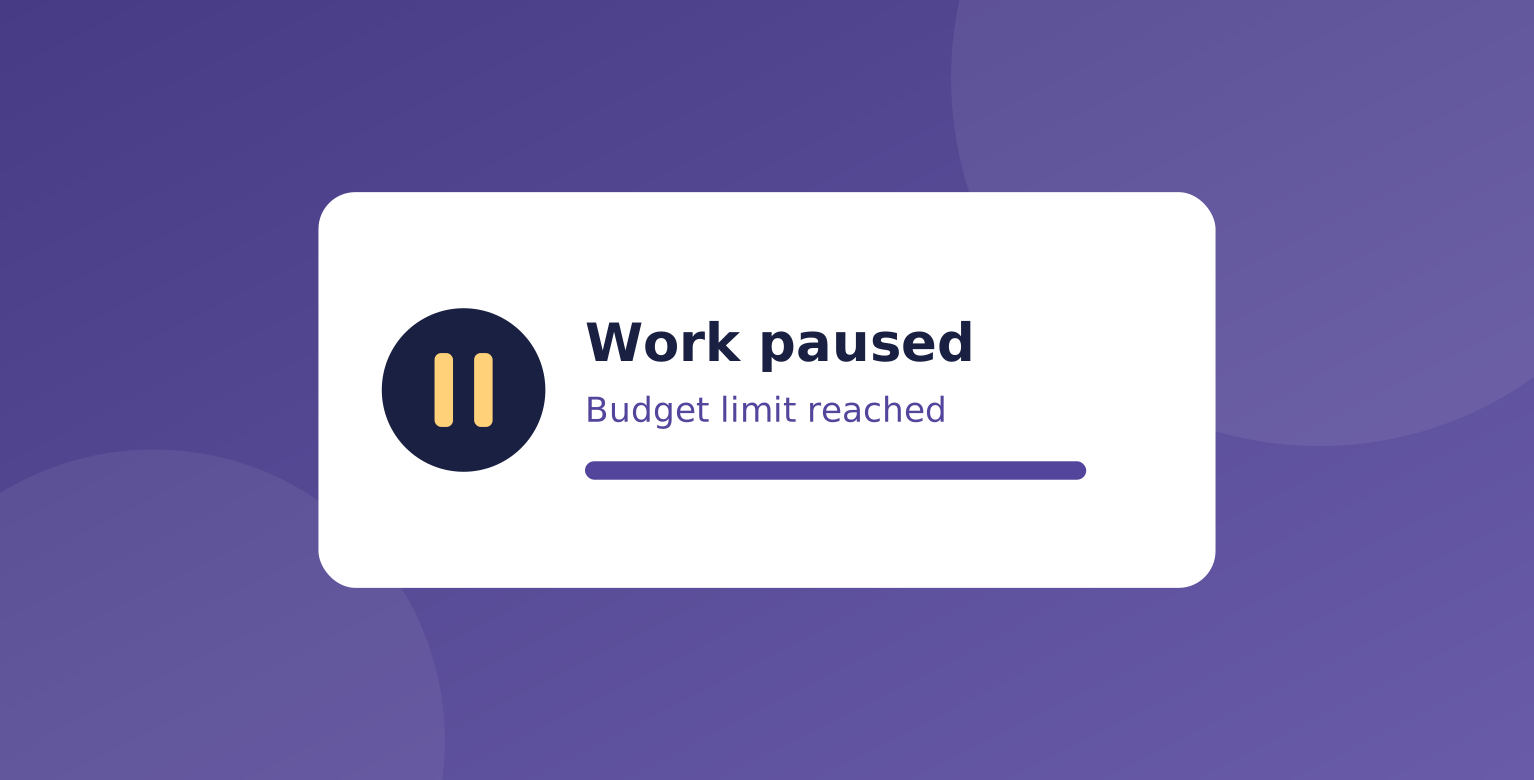
When spending reaches a cap, work pauses automatically and you are told. Nothing keeps running until you decide what happens next.
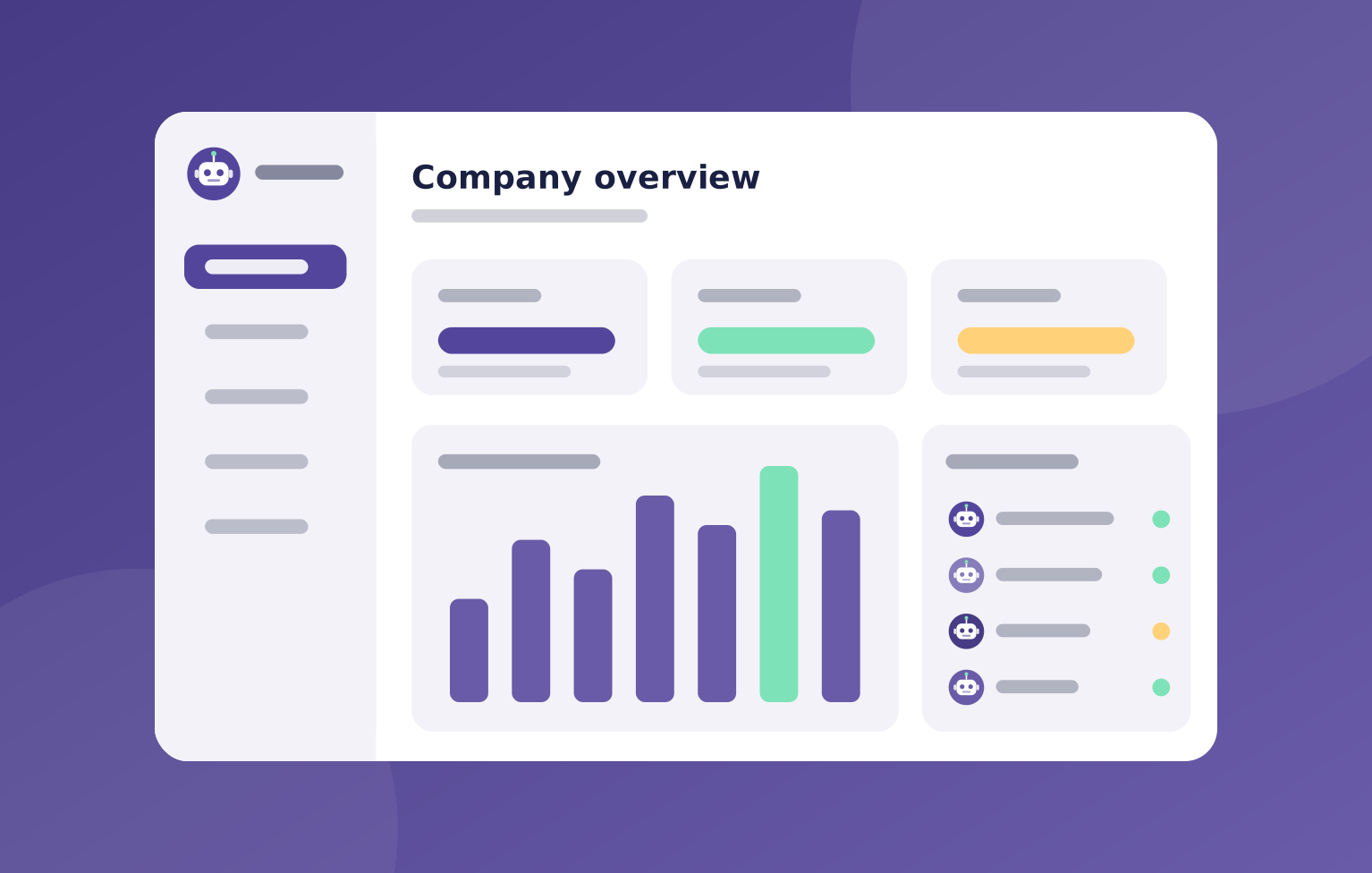
You can see what each agent and project is spending, so there are no surprises at the end of the month.
What's included
Caps work at every level, so one busy agent or project can't use up the whole budget.
You can raise, lower, or remove a cap at any time.
- Spending caps per company, agent, and project
- Automatic pause when a cap is reached
- A clear view of what each agent and project spends
- Ask-first rules before agents buy anything
- A full activity log of every action
Where it helps
Here are a few common ways teams use spending controls.
- Trying out a new team on a small budget
- Keeping one project from overspending
- Making sure an agent never buys without asking
- Knowing your costs before the bill arrives
How it works
Setting caps is quick, and they apply to everything your team does.
You stay in control of the money from day one.
- Set a cap for your company, an agent, or a project
- Your team works within it
- At the cap, work pauses and you are told
- You raise the cap, change the plan, or stop
You stay in charge
You set the budget. Your team works inside it.

"When a cap is reached, work pauses and you are told. Nothing starts again until you raise the cap, change the plan, or stop."
OpsHarbor
How every AI company runs
Run your own AI company.
- Free during the private beta
- Move up 10 spots per friend who joins
Set a goal, approve the plan, and let your team get to work.
You stay the board
Bring your own AI key