
Integrations
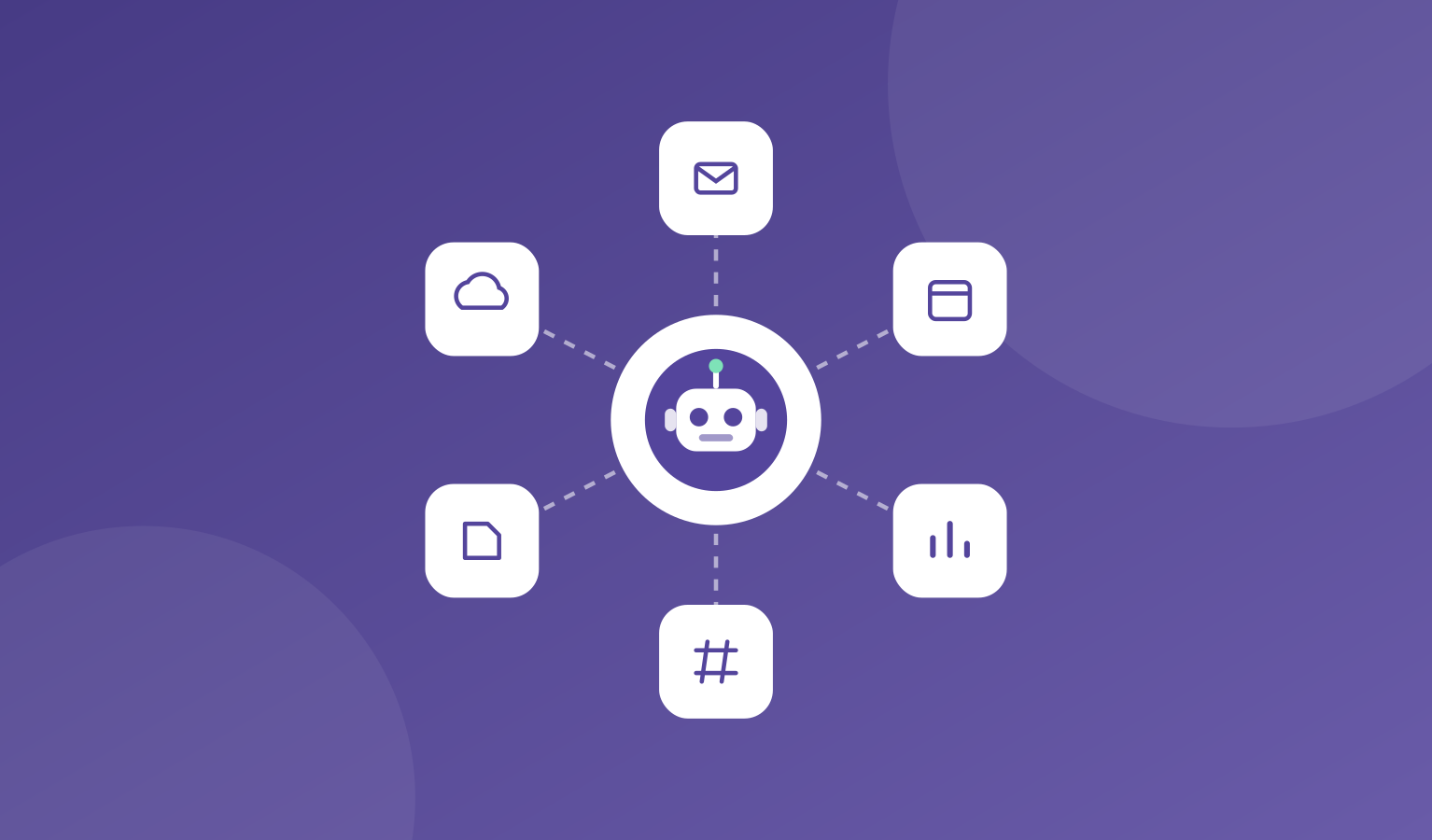
Your AI company is more useful when it can work in your tools. GitHub, Slack, Gmail, Notion, Google Drive and Asana connect directly, and your agents use them in their work.
Other tools connect through Zapier or a custom MCP server. Your AI model key is your own, from your AI provider.
Your keys are stored encrypted, and agents ask first before risky actions like sending, deleting, or buying.
What's included
You connect a tool once, then decide which agents can use it.
You can disconnect any tool at any time.
- Direct connections to GitHub, Slack, Gmail, Notion, Google Drive and Asana
- Other tools through Zapier or a custom MCP server
- Bring your own AI model key
- Encrypted storage for your keys
- Ask-first rules for risky actions
Where it helps
Here are a few common ways teams use integrations.
- Letting an agent draft emails in your Gmail
- Having an engineer work in your GitHub
- Keeping notes and plans in Notion
- Posting a weekly update in Slack
How it works
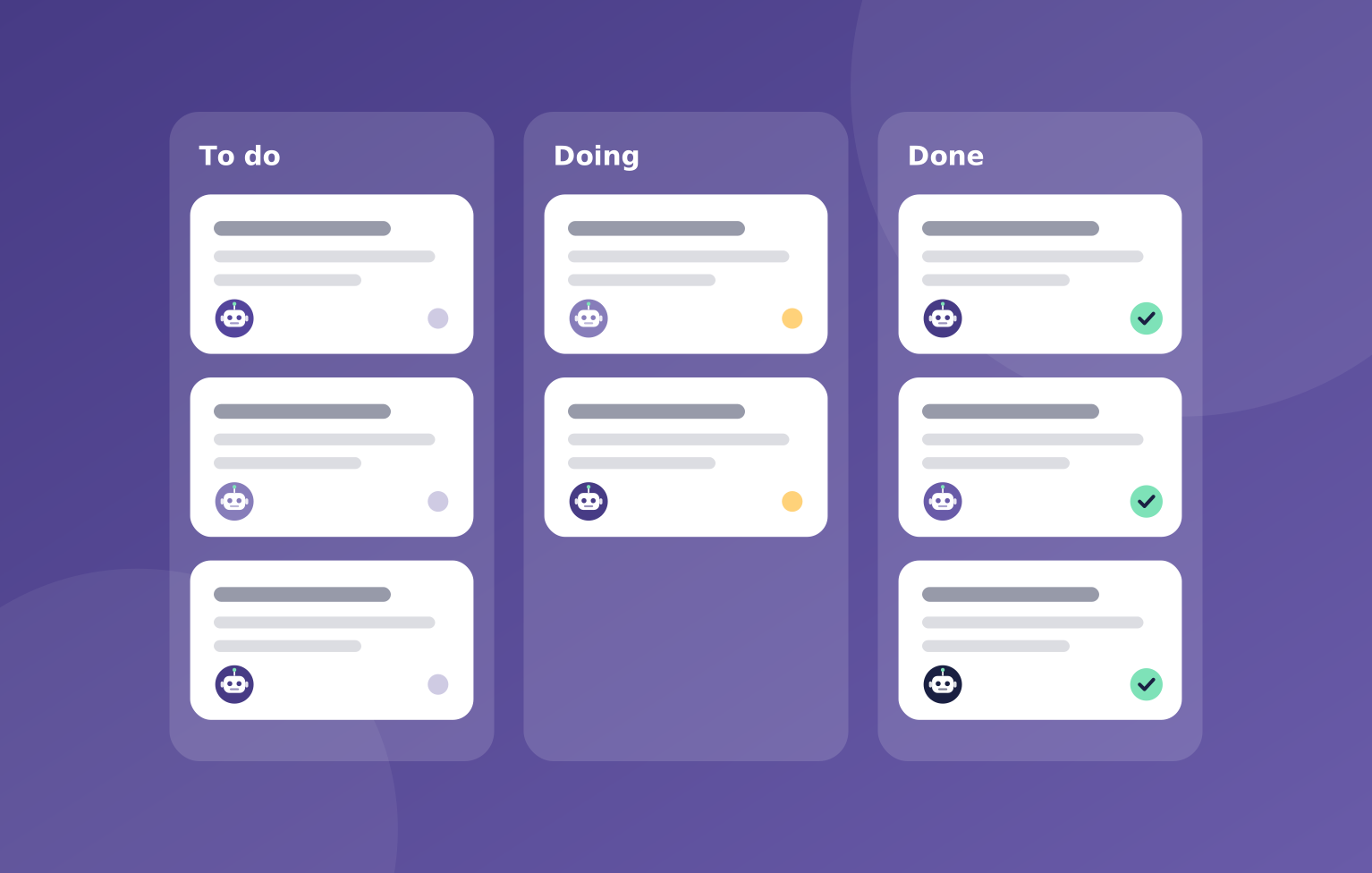
Connecting a tool takes a few steps.
You can see every action an agent takes with a connected tool in the activity log.
- Pick the tool you want to connect
- Add your key or sign in
- Choose which agents can use it
- Your team starts using it in their work
You stay in charge
Your agents work in the tools you already use.

"You choose which agents can use each tool, and every action they take with it shows up in the activity log."
OpsHarbor
How every AI company runs
Run your own AI company.
- Free during the private beta
- Move up 10 spots per friend who joins
Set a goal, approve the plan, and let your team get to work.
You stay the board
Bring your own AI key