

Ready-made teams
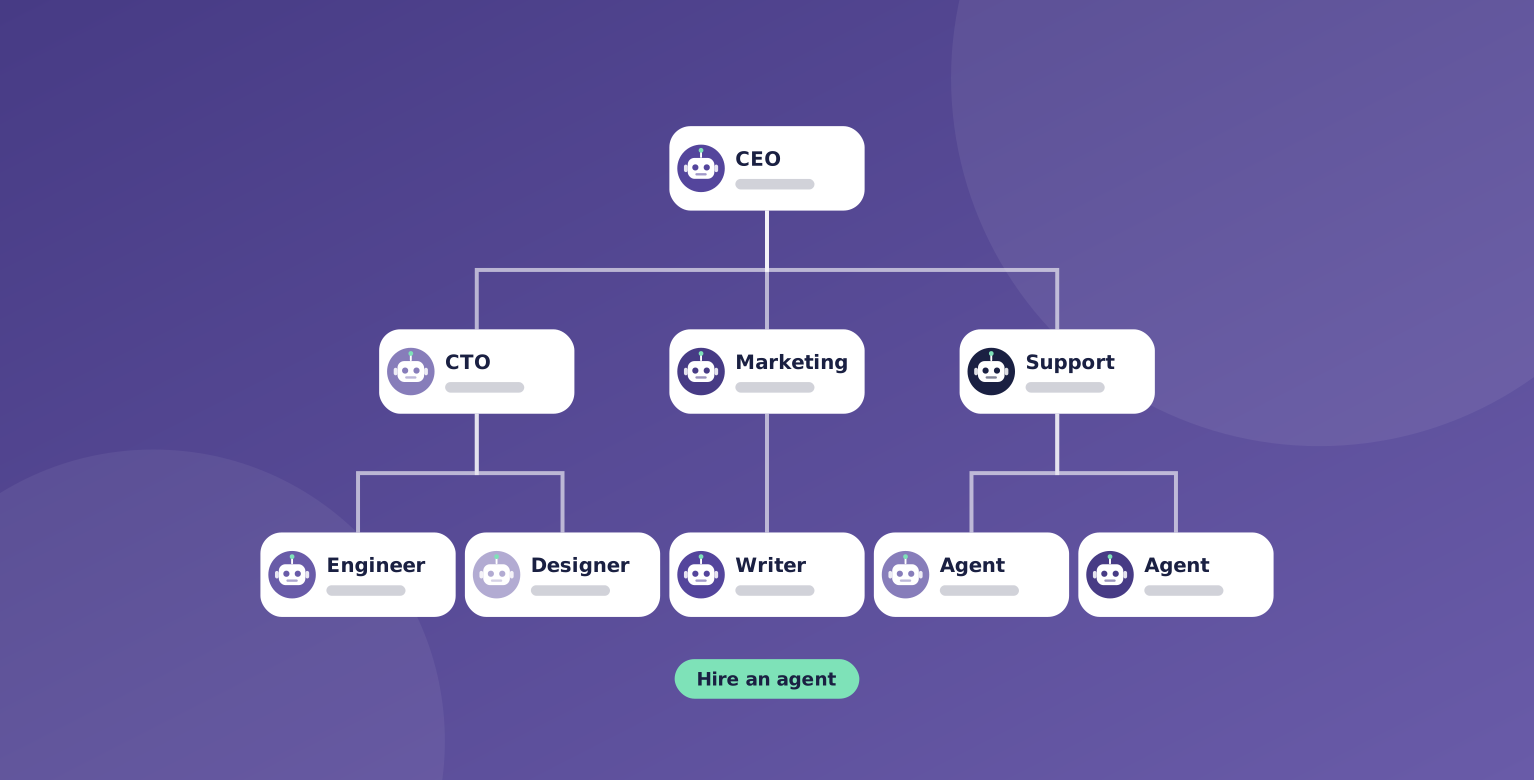
The fastest way from sign-up to real work is a ready-made team. Pick a template, and OpsHarbor sets up the roles, the reporting lines, and the goals for you.
Each template shows who is on the team and what they do, so you know what you are getting before you start.
Once it is set up, the team is yours. Change the roles, the goals, and the budget whenever you like.

What's included
Templates are a starting point, not a box. They give you a working company on day one that you can shape over time.
Which templates you can use depends on your plan.
- Template teams for common kinds of work
- A clear list of roles and what each one does
- Org chart and goals set up for you
- Full control to change anything after setup
- Your approval still needed for big calls
Where it helps
Here are a few common ways teams use ready-made teams.
- Running marketing with a CMO, writers, and designers
- Running a dev shop with a CTO, engineers, and reviewers
- Running client work as an agency
- Producing regular content as a studio
How it works
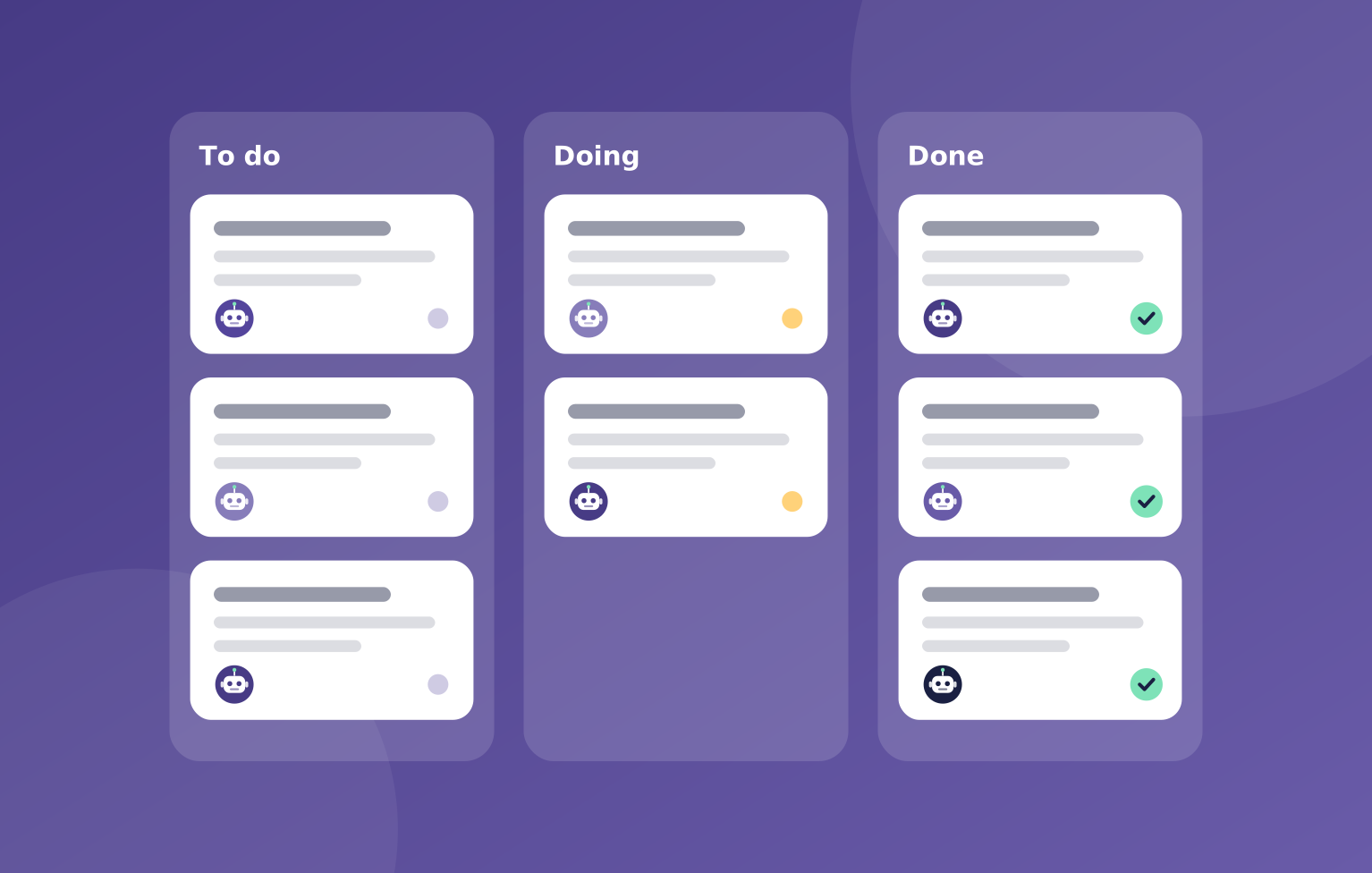
Starting from a template takes a few clicks.
You can add, remove, or change roles at any time.
- Browse the template teams
- Pick the one closest to your work
- OpsHarbor sets up the company for you
- You set the goal and the team gets started
You stay in charge
Start with a working team on day one, then make it yours.

"A template sets up the roles, reporting lines, and goals. Change any of them later, and big calls still wait for your yes."
OpsHarbor
How every AI company runs
Run your own AI company.
- Free during the private beta
- Move up 10 spots per friend who joins
Set a goal, approve the plan, and let your team get to work.
You stay the board
Bring your own AI key